
How to move the game folder to the root of your drive
The root is the point where the file structure begins. It is the highest possible level folder, where all the files from a location are present inside it.
The drive is your storage unit, it is represented by unique letters, such as C:, which is usually the drive where your Windows is installed.
An example to represent what the root of your drive is:
C: <--- Root of your drive
├─ Program Files
├─ Program Files (x86)
│ └─ DODI-Repacks
├─ Users
│ └─ <Your user>
└─ Windows
...
Here's how to move your folder to the root of your drive:
In this guide, C: will be used, but this guide applies to any other drive you may have.
Locating your game folder
Navigate to your game folder, and click on the folder before it, so that you can move it:
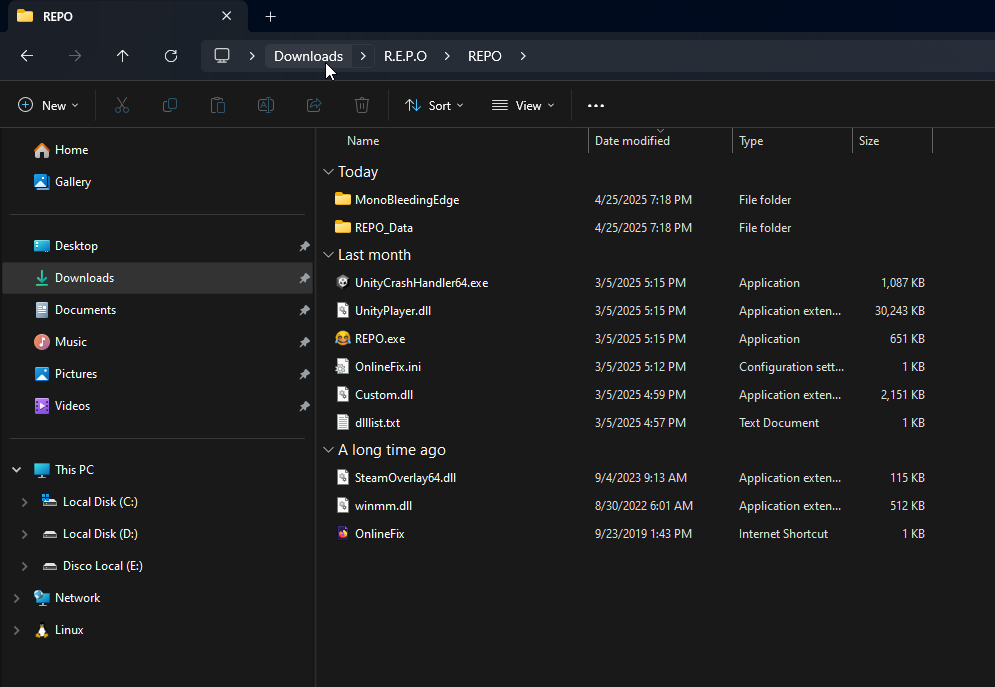
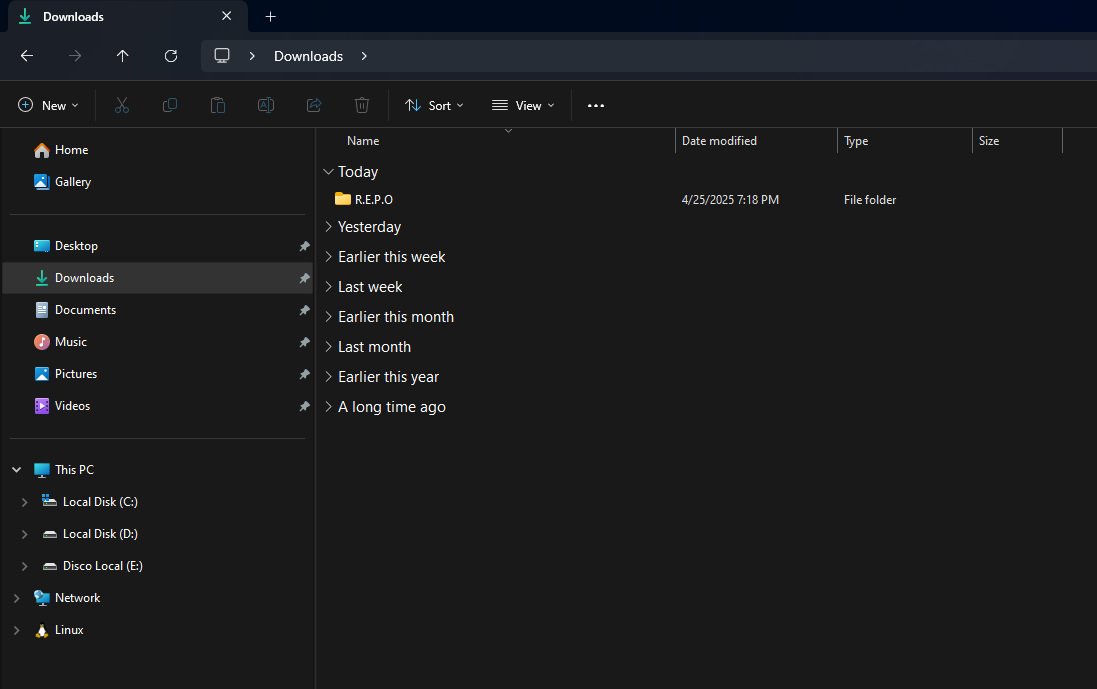
For Online-Fix games, it is interesting to move not only the game folder itself, but also the folder containing Fix-Repair, for organization purposes.
Move the folder to the root of your disk
Now, just click on the game folder, hold down the left mouse button, and move it to the root of your C: drive:
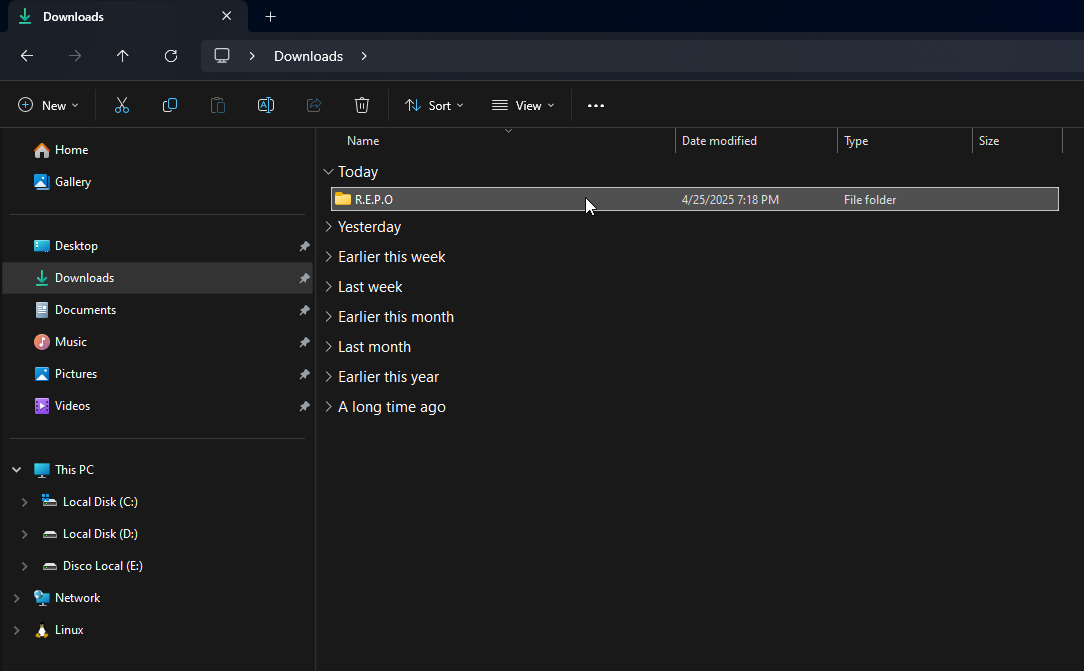
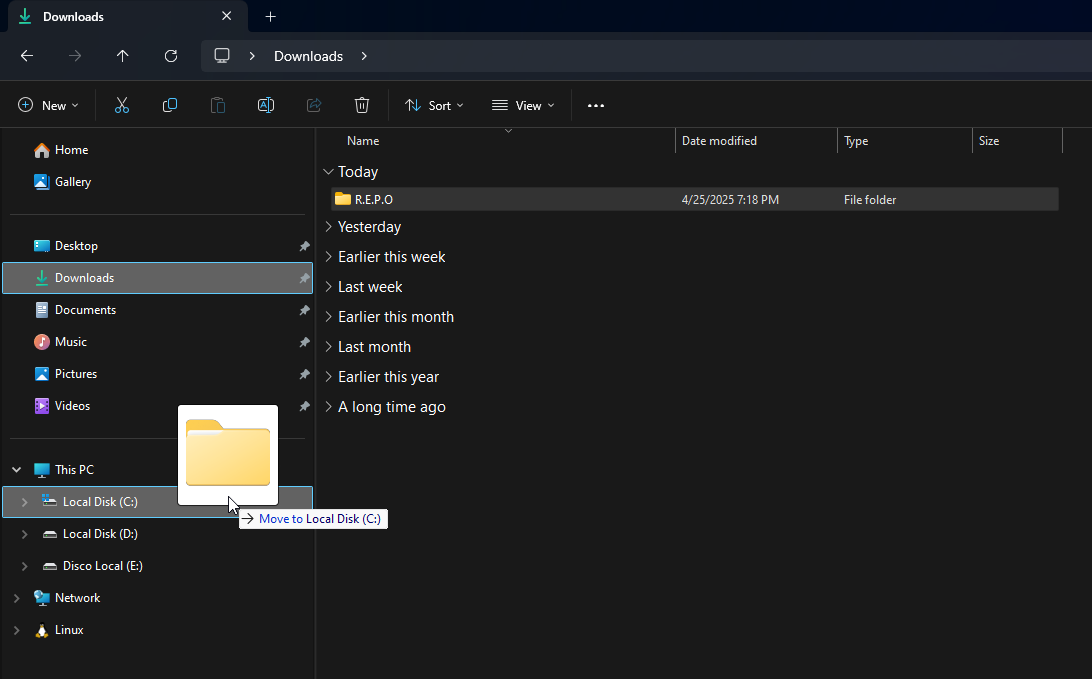
After that, your game will be present in the root of your chosen drive.